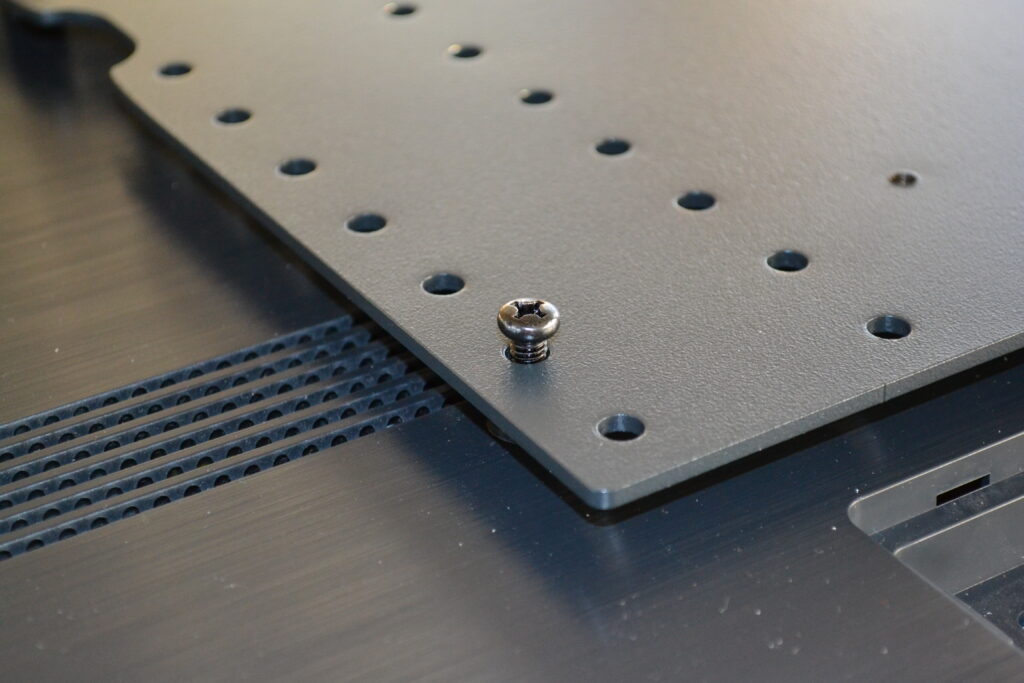
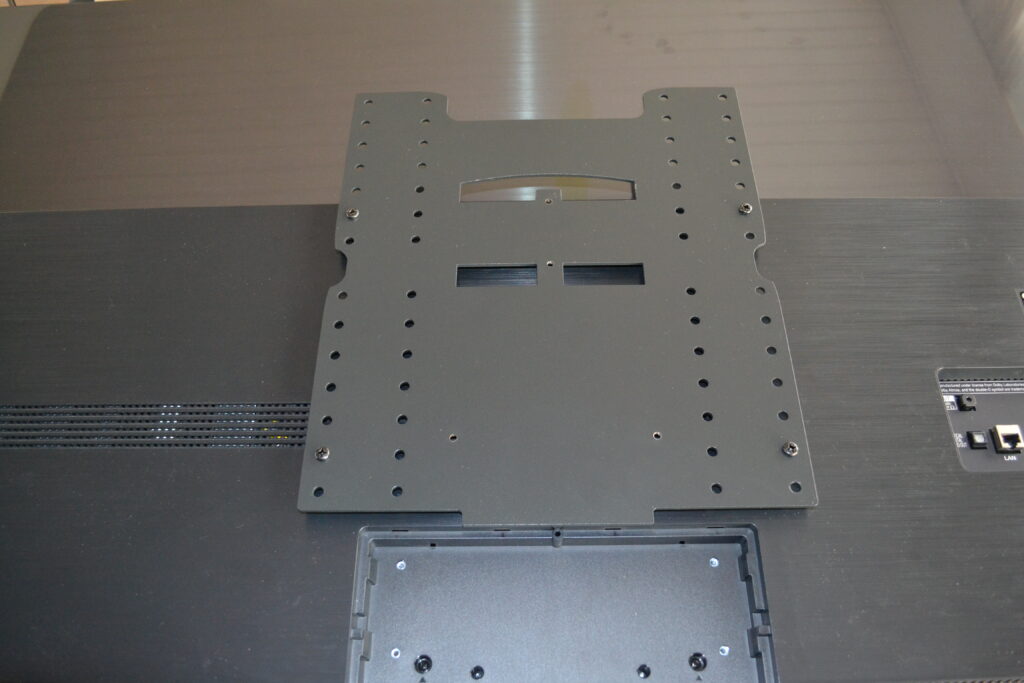
Beovision Avant stand - this is how the VESA bracket is mounted on the TV
Mount a VESA bracket on your new TV for the Beovision Avant stand - it's the same method for the Avant 55, 75 or 85 stand.
The VESA plate is mounted on the Beovision Avant stand with the Neo Avant Kit - read here how to mount this kit on the B&O Beosvision Avant stand
Remove the old B&O TV and prepare for the VESA bracket
Start by removing the Beovision TV from the stand. This is done by loosening the screws.
Be careful when removing the B&O TV as it is very heavy. It is important to have at least 2 people to lift the TV off the stand.
Now you have to mount the VESA bracket on your new TV from LG, Samsung, Sony, Loewe, Panasonic or Philips or whichever manufacturer you choose.
Along with the VESA plate, a plastic bag with 4 black spacers, 4 black screws - both 6 mm and 8 mm screws, depending on your TV, was included.
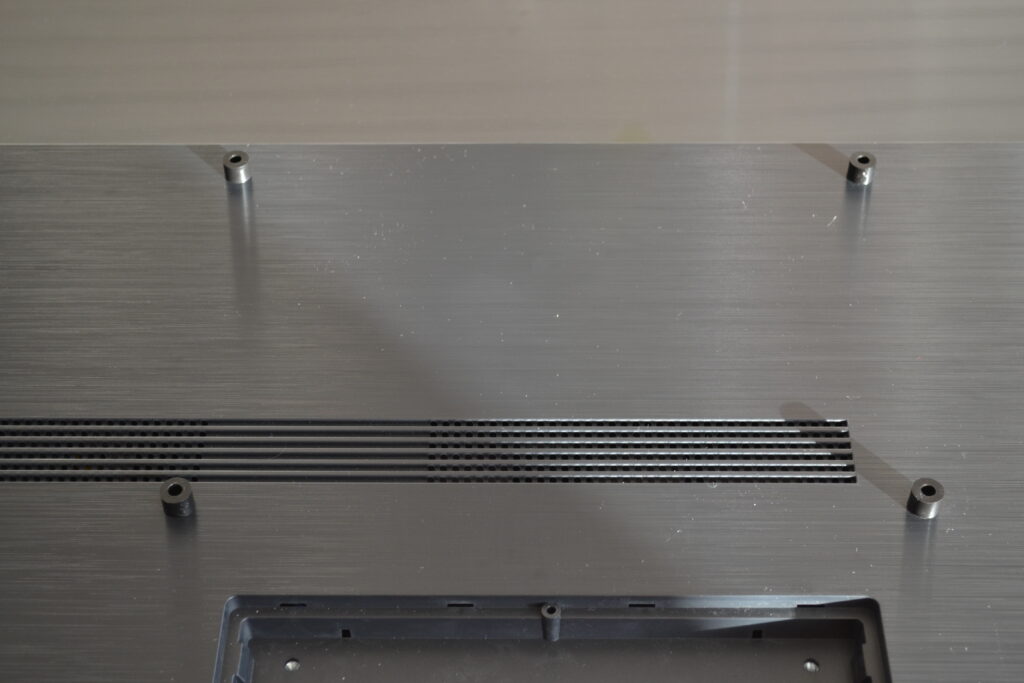
When the screen is securely placed on the table, you must start by laying out the 4 black spacers on the TV. Place them over the holes so they are ready for the screws.
Be very careful with the screen of your new TV - it is very easy to scratch the screen. Even a small grain of sand on the table will make a scratch, which can subsequently be seen with the naked eye. You must therefore have a surface between the screen and the table. It is recommended to use the exact material that the screen was wrapped in when you took it out of the box. Brush and shake this material free of dust and dirt so that it can be placed on the table before placing the screen on the table.
Neomesteren has no responsibility for the assembly or any scratches in the screen during assembly.
VESA adapter is attached to your new TV
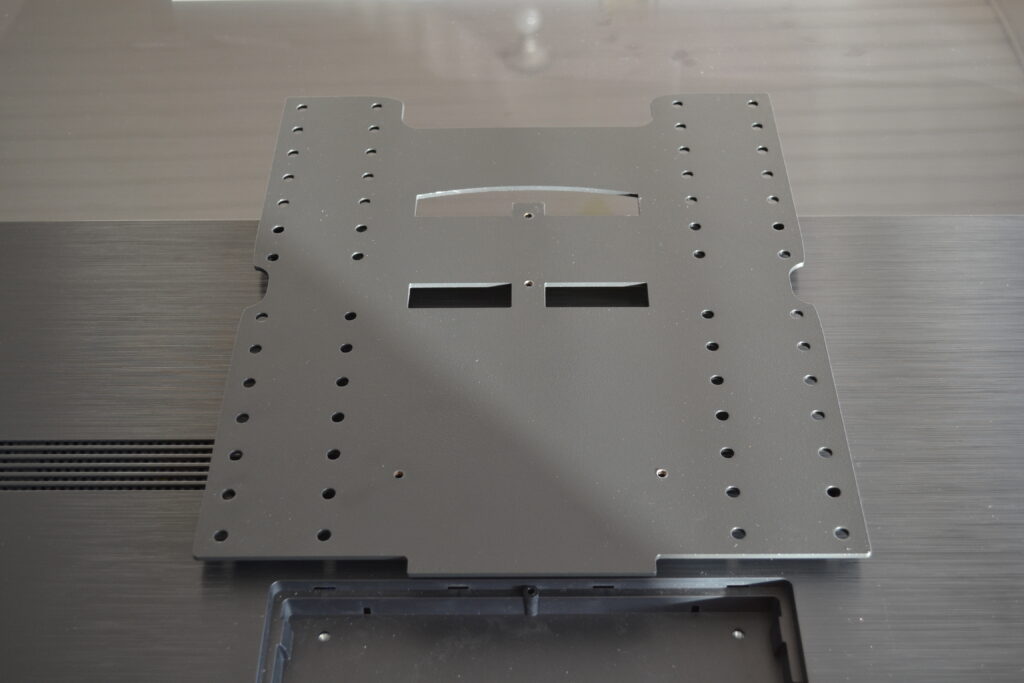
Then place the VESA bracket carefully on top of the 4 black spacers - without moving them.
If you are in doubt about which holes to use, use the Neo Guide before mounting the VESA plate.
The wizard can indicate which holes you should use.
The VESA plate is attached with screws
Now fit the 4 black screws by hand so that they are loose. You can therefore slightly adjust the plate until all the screws are fitted.
Now tighten the 4 screws with a screwdriver. The screwdriver must not be used, as it can damage the VESA bracket and the holes in the TV.
Be careful when mounting the TV with VESA adapter on the B&O stand - it is best to have at least 2 people to mount the TV. The TV must be tilted slightly to get the plate over the corresponding device on the stand.